2D CAD tool · free
How to label rooms with their area
A room label names an enclosed space and shows its floor area, worked out for you. You can show the room's size, such as 3600 × 4200mm, as well.
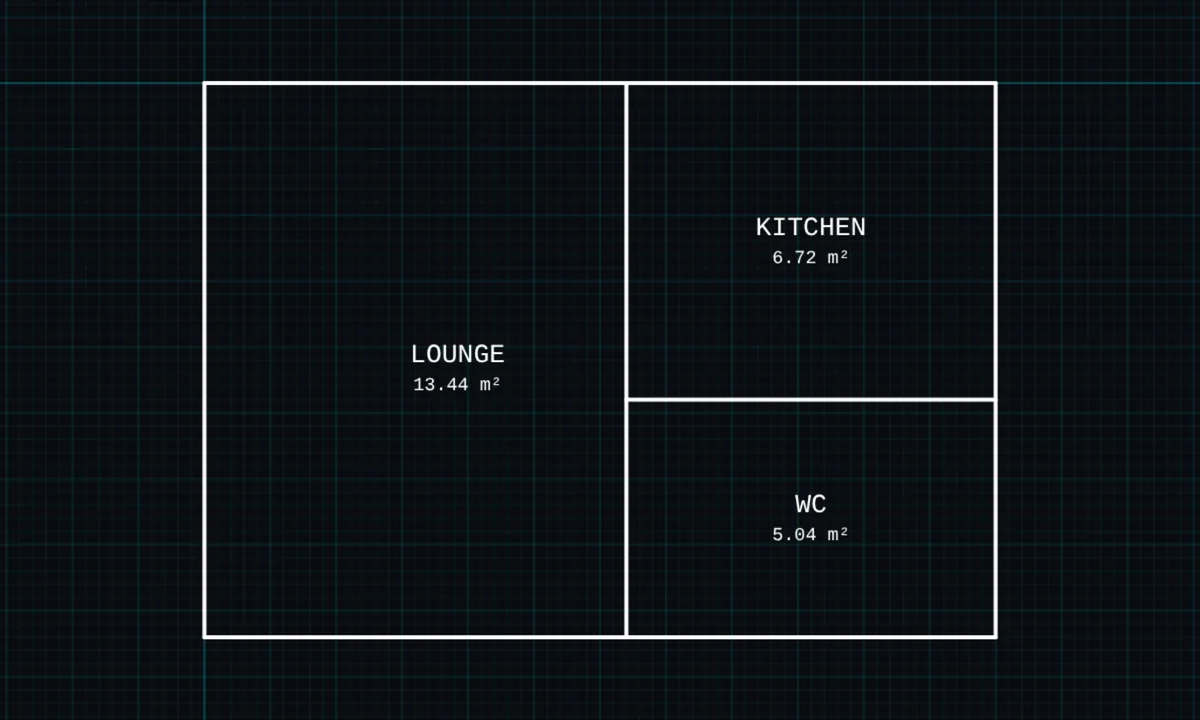
Opens BenCAD with room labels ready. No download, no sign-up.
How to use room labels in BenCAD
- Pick LABELTap LABEL in the toolbar, in the Annotate group.
- Tap inside a roomTap inside any closed outline. BenCAD finds the room's edges.
- Type the nameType a name such as KITCHEN. Add the dimensions if you want them shown, then tap PLACE LABEL.
Tips
- Doors and windows placed as blocks are treated as part of the wall, so the room still counts as closed.
- Turn a label 90° to fit a narrow room.
- For an area without a name, use the area tool.
Questions
What units is the area in?
Square metres, from the scale you set.
Related tools
Guides
- CAD on your phone
- Drawing a floor plan for building control
- How to measure area from a drawing
- BenCAD vs AutoCAD Web
- BenCAD vs KulmanLab
More tools: all 2D CAD tools in BenCAD.