2D CAD tool · free
How to draw a rectangle in 2D CAD
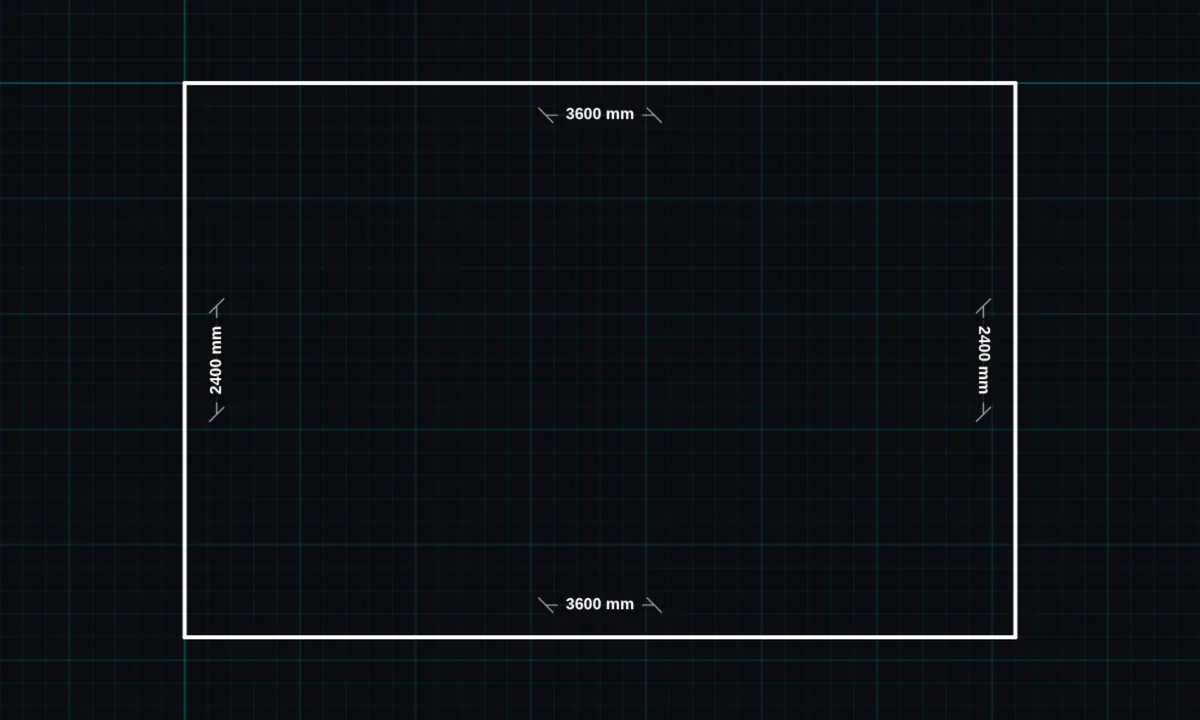
The rectangle tool draws a box from one corner to the opposite corner in a single drag. It is the fastest way to draw a room, a plate or a panel.
Opens BenCAD with rectangle ready. No download, no sign-up.
How to use rectangle in BenCAD
- Pick RECTTap RECT in the toolbar, in the Shapes group.
- Drag corner to cornerPress at one corner and drag to the opposite corner. The width and height show as you drag.
- Let goThe rectangle is placed and its corners snap to the grid.
- Set an exact sizeUse RESIZE on the rectangle to type the width and height in millimetres.
Tips
- A rectangle is kept as one shape, so it moves, offsets and resizes as a whole.
- Use explode if you need its four sides as separate lines.
- Offset a rectangle inwards to draw the inside face of a wall.
Questions
Can I draw a square?
Yes. Drag until the width and height match, or resize it to the same width and height.
Related tools
LineStraight lines with snappingPolygonRegular shapes, any number of sidesOffset PROParallel copy at an exact distance
Guides
More tools: all 2D CAD tools in BenCAD.