2D CAD tool · free
How to measure area in 2D CAD
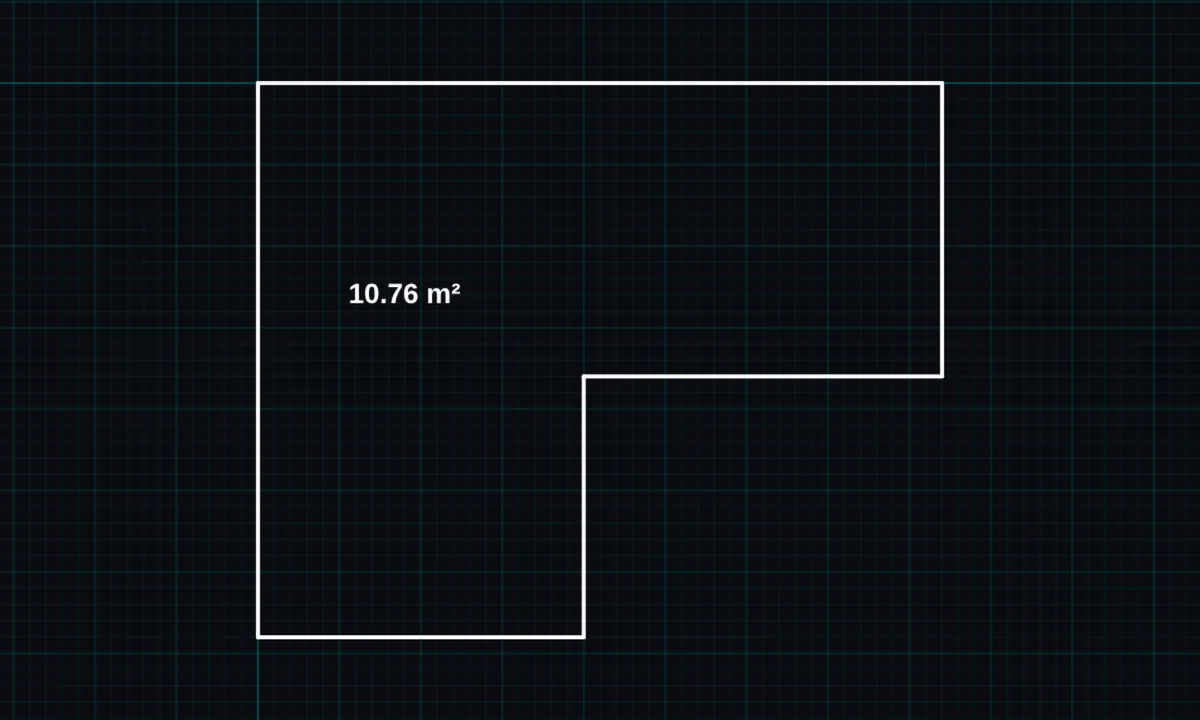
The area tool measures the space inside any closed outline, however many sides it has, and shows it in square metres. Place it on the drawing as a label if you want to keep it.
Opens BenCAD with area ready. No download, no sign-up.
How to use area in BenCAD
- Pick AREATap AREA in the toolbar, in the Annotate group.
- Tap inside the spaceTap anywhere inside a closed outline. The area measurement panel shows the result.
- Place it or closeTap PLACE LABEL to put the area on the drawing, or CLOSE.
Tips
- Works for L-shaped rooms and other awkward shapes, not just rectangles.
- To name the room as well, use room labels.
Questions
Is the area tool free?
Yes, it is in the free version.
Related tools
Room labelsRoom name and floor areaPolygonRegular shapes, any number of sidesHatch & fills PRO27 patterns: brick, insulation, tiles
Guides
- How to measure area from a drawing
- CAD for builders and trades
- CAD for landlords and property developers
Related reading
- 2 Bed Flat Layout Design: Getting the Room Split Right
- HMO Layout Design: Planning Room Sizes Before You Convert
- How to Draw a Floor Plan in Minutes with BenCAD
More tools: all 2D CAD tools in BenCAD.