2D CAD tool · free
How to draw a polygon in 2D CAD
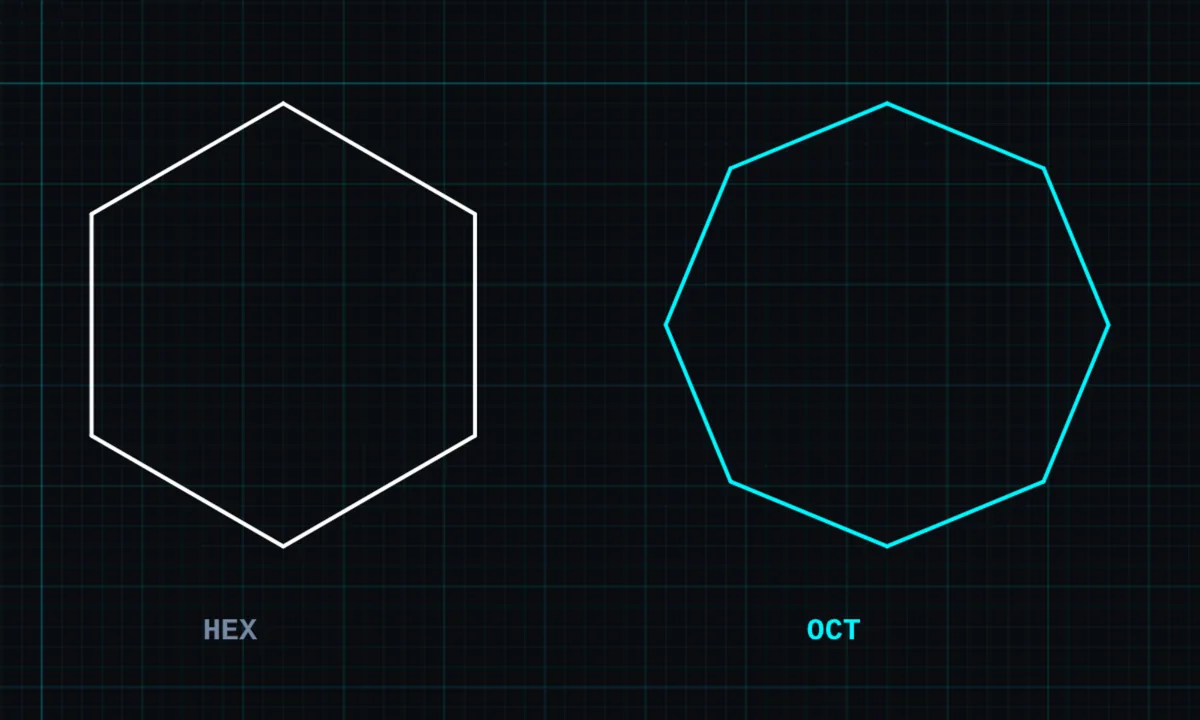
The polygon tool draws a regular shape with equal sides: a triangle, square, pentagon, hexagon, octagon or any number of sides you choose.
Opens BenCAD with polygon ready. No download, no sign-up.
How to use polygon in BenCAD
- Tap POLYTap POLY in the toolbar, in the Shapes group. The polygon panel opens.
- Choose the sidesTap TRI, QUAD, PENT, HEX or OCT, or use − and + for any number. Tap DRAW POLYGON.
- Drag from the centrePress at the centre and drag out to where one corner should be. The size and rotation follow your drag.
Tips
- A polygon is one shape, so it moves and offsets as a whole. Explode it for separate sides.
- Measure the area inside with the area tool.
Questions
Is the polygon tool free?
Yes, it is in the free version.
Related tools
More tools: all 2D CAD tools in BenCAD.