2D CAD tool · PRO
How to open a DXF file online
DXF is the common file format for swapping 2D drawings between CAD programs. BenCAD opens DXF files in the browser, on a phone or a computer, so you can view and edit drawings without AutoCAD.
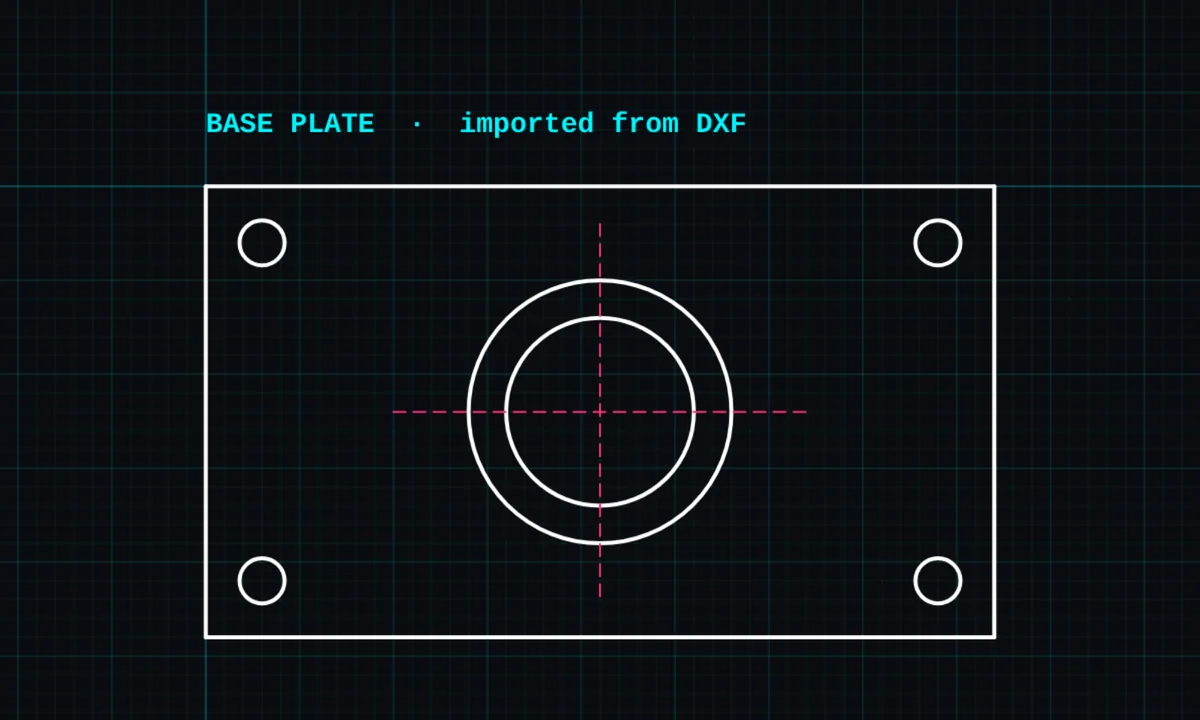
DXF import is a PRO tool. Drawing, trim, extend, join and dimensions are free.
How to use dxf import in BenCAD
- Open the side menuTap the ☰ menu. Under File, tap IMPORT DXF.
- Choose the filePick a .dxf file from your phone, cloud storage or computer.
- Check the drawingIt opens in a new tab, zoomed to fit, converted to millimetres from the file's units. Pinch or scroll to look around.
- Edit as normalImported lines are ordinary BenCAD shapes, so trim, offset, dimension and print them like anything else.
Tips
- BenCAD reads lines, polylines (LWPOLYLINE and POLYLINE), arcs, circles, ellipses, and text (TEXT and MTEXT).
- Units are converted from the file (millimetres, centimetres, metres, inches or feet). A file with no units set is read as millimetres; if it comes in at the wrong size, fix it with the scale tool.
- The DXF opens in a new tab, so nothing you have already drawn is touched.
- Save your changes as a new DXF with DXF export.
Questions
Can BenCAD open DWG files?
Not directly. Save the DWG as DXF in the program that made it, then import the DXF.
Is DXF import free?
DXF import is part of BenCAD Pro.
Related tools
DXF export PROSave for AutoCAD, CNC and laserPrint to scale PROTrue-scale PDF with a title blockDimensionsLinear, angle, radius, diameter
Guides
- DXF files: open, edit and export online
- How to open a DXF file on your phone
- How to convert a DXF to PDF at the right scale
- DXF vs DWG: what is the difference?
- BenCAD vs AutoCAD Web
More tools: all 2D CAD tools in BenCAD.