2D CAD tool · PRO
How to export a DXF file
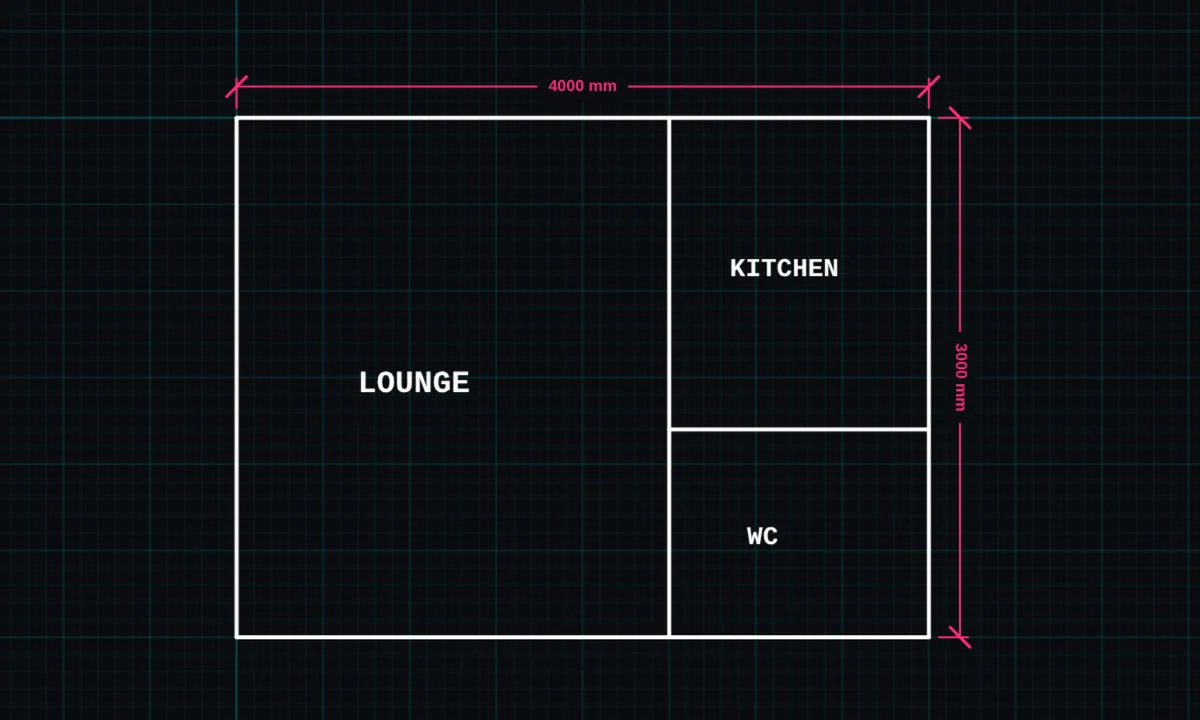
DXF export saves your BenCAD drawing in the format almost every CAD program, CNC router and laser cutter reads. Measurements are kept in millimetres, and shapes are sorted onto layers.
DXF export is a PRO tool. Drawing, trim, extend, join and dimensions are free.
How to use dxf export in BenCAD
- Open the side menuTap the ☰ menu. Under File, tap EXPORT DXF.
- Save the fileThe .dxf downloads to your phone or computer.
- Open it anywhereOpen it in AutoCAD, QCAD, LibreCAD, DraftSight or your cutter's software. It opens at real size in millimetres.
Tips
- The file is DXF R12, the most widely supported version, so older and simpler programs open it too.
- Shapes go onto layers named WALLS, OPENINGS, FURNITURE, DIMENSIONS, ANNOTATION and FIXTURES, so they are easy to turn on and off.
- Need paper? Use the print-ready sheet for a PDF at true scale.
Questions
What units is the DXF in?
Millimetres. The file header says so, so AutoCAD and other programs open it at the right size.
Is DXF export free?
DXF export is part of BenCAD Pro. The free version downloads PNG images.
Related tools
DXF import PROOpen DXF files from other CADPrint to scale PROTrue-scale PDF with a title blockPNG downloadFree high-resolution image
Guides
- DXF files: open, edit and export online
- How to open a DXF file on your phone
- DXF vs DWG: what is the difference?
- How to prepare a DXF for laser cutting or CNC
- BenCAD vs AutoCAD Web
More tools: all 2D CAD tools in BenCAD.