2D CAD tool · free
How to draw a circle in 2D CAD
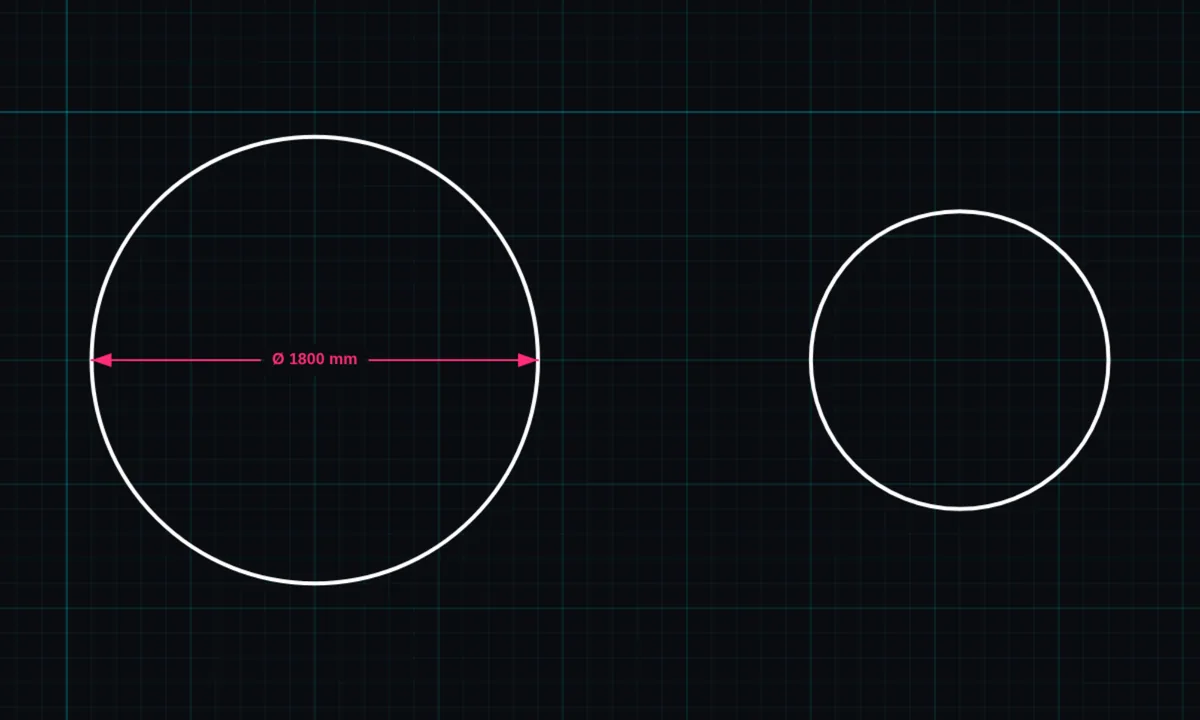
The circle tool draws a circle from its centre point out to the radius you drag. Use it for holes, columns, round tables and anything round.
Opens BenCAD with circle ready. No download, no sign-up.
How to use circle in BenCAD
- Pick CIRCTap CIRC in the toolbar, in the Shapes group.
- Press at the centrePress where the centre of the circle should be. It snaps to the grid and to end points.
- Drag to the radiusDrag outwards. The radius shows as you drag. Let go to place the circle.
Tips
- Add a diameter (Ø) or radius (R) dimension with the dimension tool.
- Mark the centre with a centre mark for drawings that will be made.
- Lines can snap to a circle's tangent point when "Circle tangent" snapping is on.
Questions
Can I set an exact size?
Yes. Use RESIZE on the circle and type the new size.
Related tools
Guides
More tools: all 2D CAD tools in BenCAD.