2D CAD tool · free
How to draw an ellipse in 2D CAD
The ellipse tool draws an oval from its centre, with the width and height you drag out. Ellipses can be trimmed, offset and resized like any other shape.
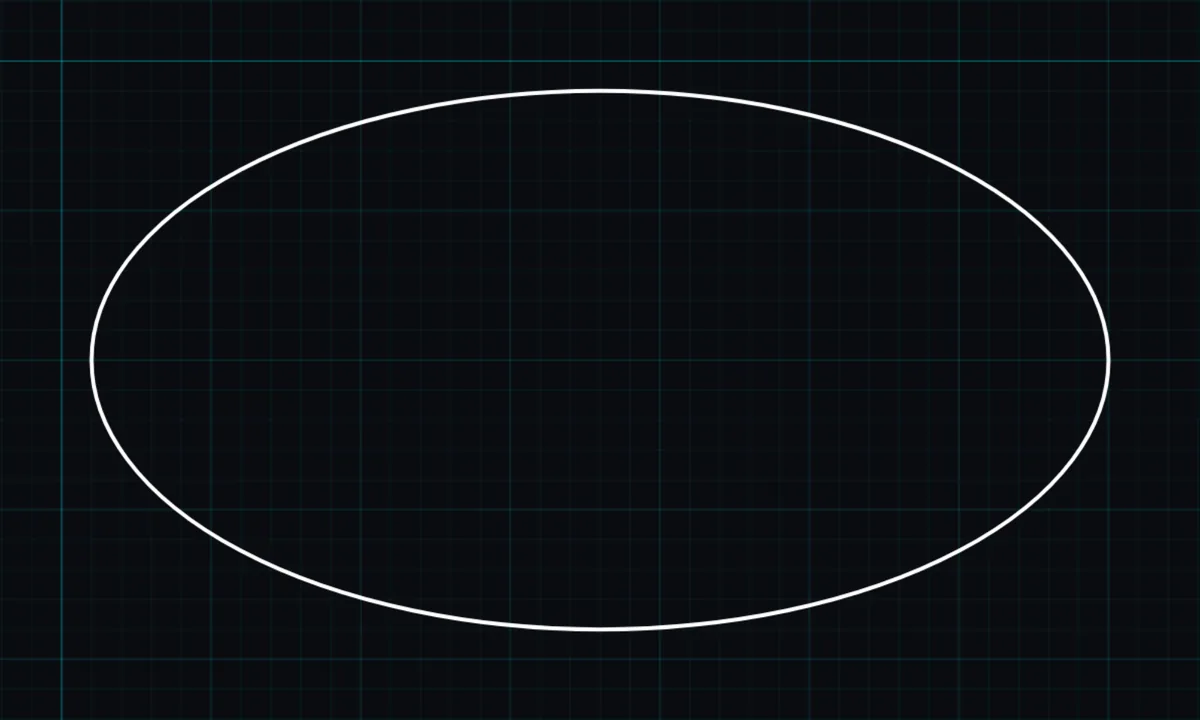
Opens BenCAD with ellipse ready. No download, no sign-up.
How to use ellipse in BenCAD
- Pick ELLIPTap ELLIP in the toolbar, in the Shapes group.
- Press at the centrePress where the centre of the ellipse should be.
- Drag out the sizeDrag to set the width and the height together. Let go to place it.
Tips
- Use RESIZE to type an exact width and height in millimetres.
- Trimming an ellipse where it crosses other lines leaves a true elliptical arc.
Questions
Can I offset an ellipse?
Yes, with the offset tool in BenCAD Pro.
Related tools
More tools: all 2D CAD tools in BenCAD.