2D CAD tool · free
How to select objects in 2D CAD
Select picks the objects you want to work on. Tap them one by one, or drag a box around a group. The other tools then act on everything you picked.
Opens BenCAD with select ready. No download, no sign-up.
How to use select in BenCAD
- Pick SELECTTap SELECT in the toolbar.
- Tap objectsTap a line or shape to select it. Tap more objects to add them to the selection.
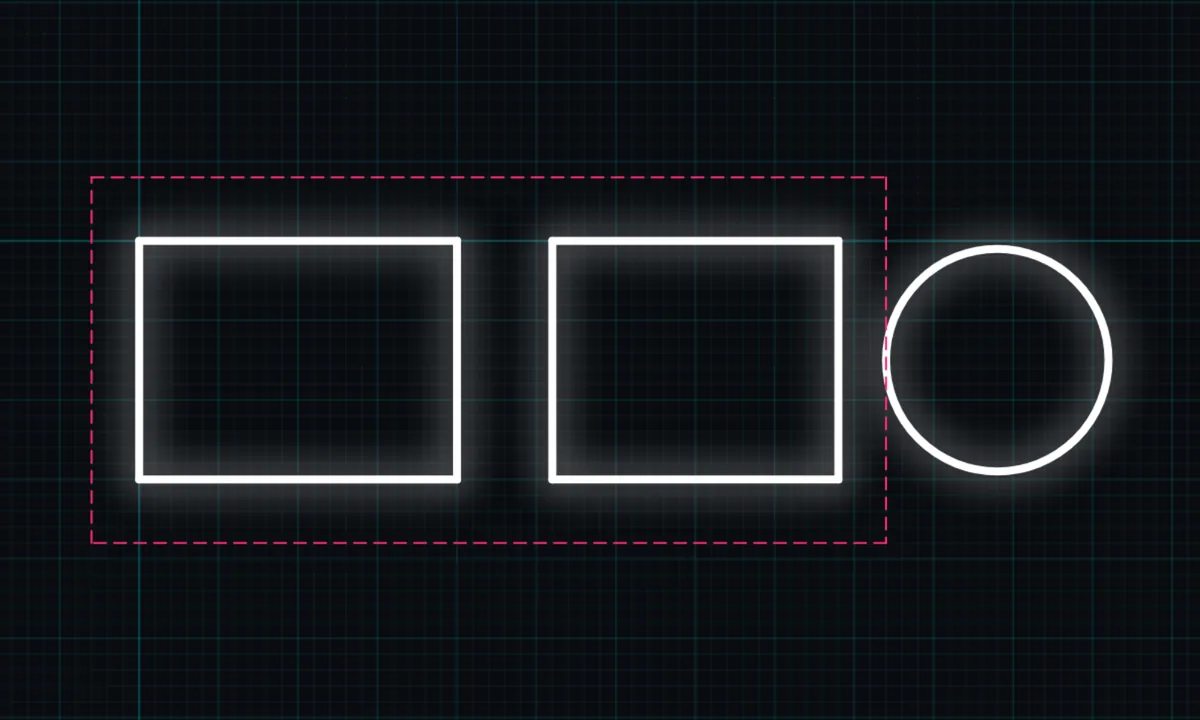
- Or drag a boxDrag across empty space to draw a box. Everything fully inside the box is selected, including dimensions and centre marks.
- Use another toolTap MOVE, COPY, ROTATE, MIRROR, OFFSET, JOIN, SCALE or DEL. It works on what you selected.
Tips
- On a computer, hold Shift or Ctrl while dragging a box to add to the selection.
- Selected objects stay selected when you switch to move or copy.
Questions
How do I select everything?
Drag a box around the whole drawing with the select tool.
Related tools
More tools: all 2D CAD tools in BenCAD.