2D CAD tool · PRO
How to copy objects in 2D CAD
Copy duplicates a shape. Tap the object once, then tap wherever you want a copy. Keep tapping to place more, which is handy for repeating windows, posts or holes.
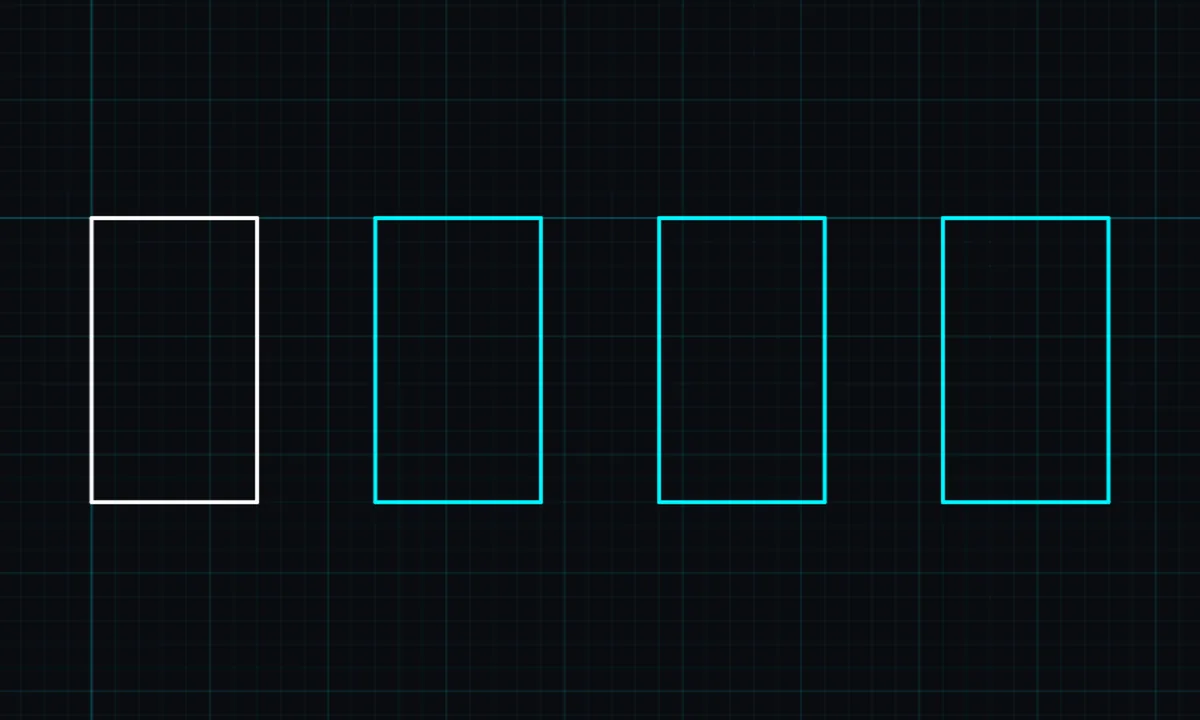
Copy is a PRO tool. Drawing, trim, extend, join and dimensions are free.
How to use copy in BenCAD
- Pick COPYTap COPY in the toolbar, in the Modify group.
- Tap the objectTap the shape to copy. Lines joined to it are copied together.
- Tap to place copiesTap where each copy should go. A preview follows your finger or cursor.
- FinishTap DONE when you have placed enough.
Tips
- On a computer, Ctrl+C copies the selection and Ctrl+V pastes it.
Questions
Is copy free?
Copy is part of BenCAD Pro.
Related tools
MoveDrag freely or point to pointMirror PROFlip a copy across any lineSelectTap or box-select objects
More tools: all 2D CAD tools in BenCAD.