2D CAD tool · free
How to delete objects in 2D CAD
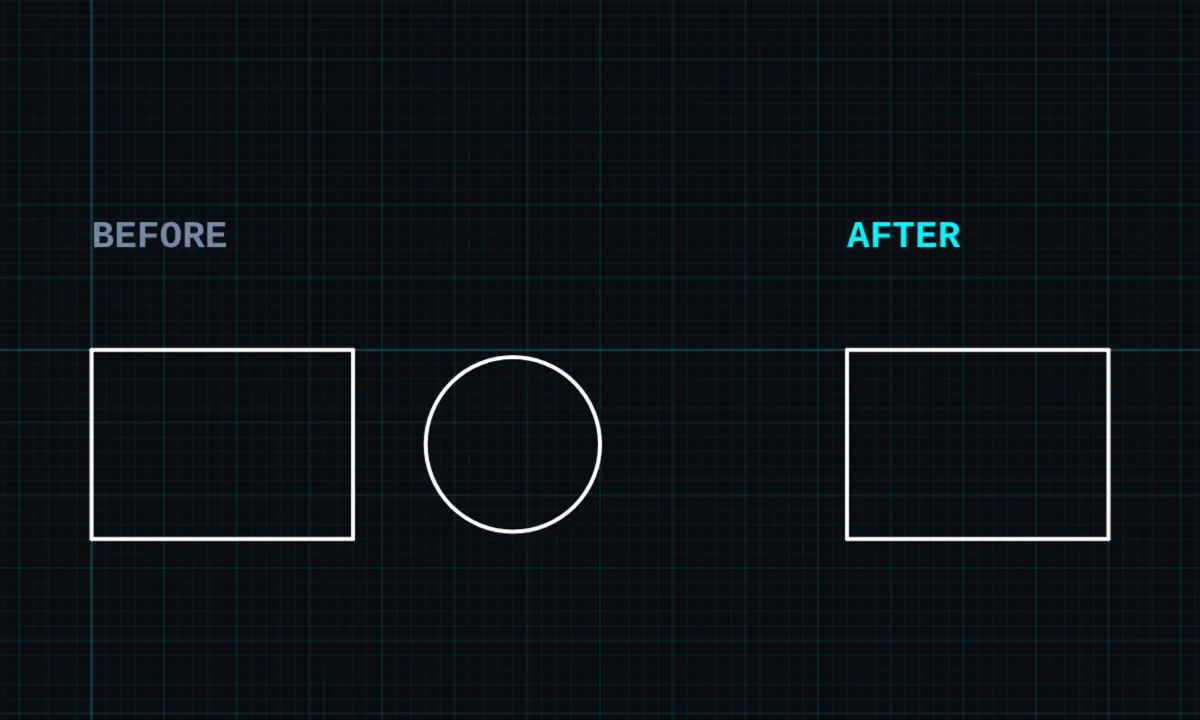
Delete removes whole objects: lines, shapes, dimensions, labels, centre marks and fills. To remove only part of a line, use trim instead.
Opens BenCAD with delete ready. No download, no sign-up.
How to use delete in BenCAD
- Pick DELTap DEL in the toolbar.
- Tap what to removeTap a line, shape, dimension or label. It is deleted straight away. Keep tapping to delete more.
- Or delete a selectionSelect objects first with SELECT, then tap DEL to delete them all.
Tips
- Made a mistake? Undo (↩ or Ctrl+Z) brings it back.
- To cut a line back to where it crosses another, use trim.
Questions
Can I clear the whole drawing?
Yes. CLEAR ALL in the menu deletes everything after asking you to confirm.
Related tools
SelectTap or box-select objectsTrimCut lines back to where they crossExplode PROBreak shapes into lines
More tools: all 2D CAD tools in BenCAD.