2D CAD tool · free
How to set an exact length in 2D CAD
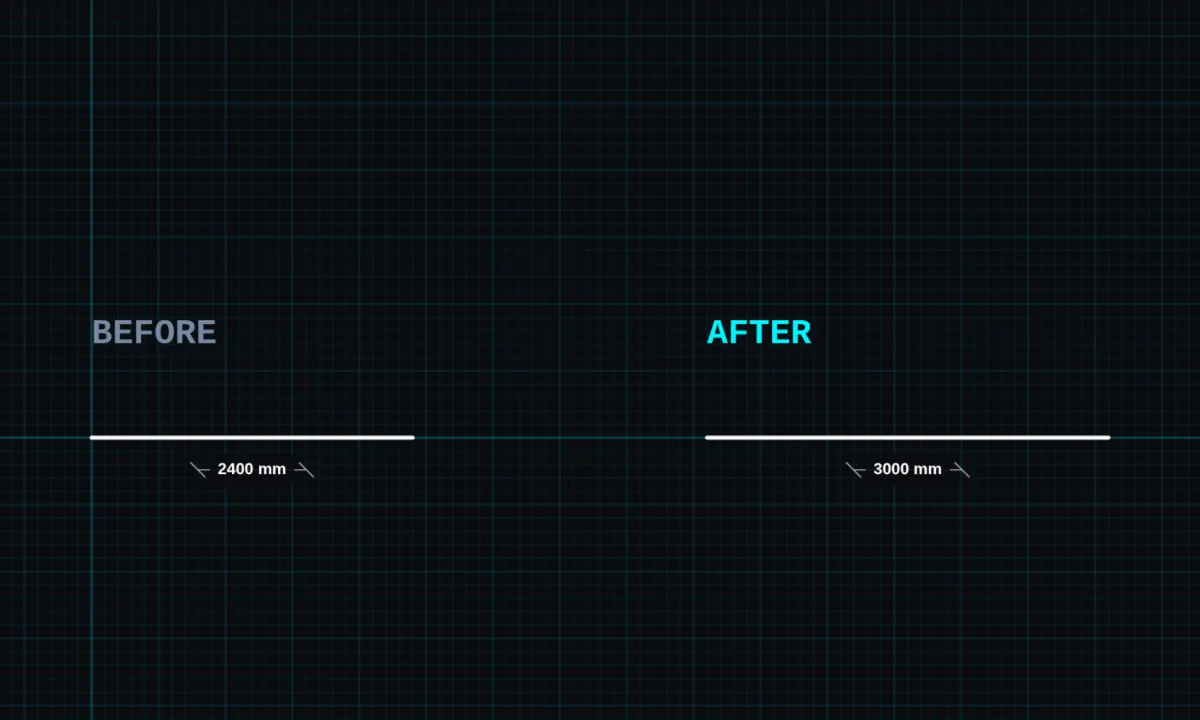
Resize sets the exact size of something you have drawn. Tap a line and type its length; tap a rectangle or ellipse and type its width and height.
Opens BenCAD with resize ready. No download, no sign-up.
How to use resize in BenCAD
- Pick RESIZETap RESIZE in the toolbar, in the Modify group.
- Tap the shapeTap a line, rectangle or ellipse. The panel shows its current size.
- Type the new sizeEnter the new length (and height, for a rectangle or ellipse) in millimetres and tap APPLY.
Tips
- A resized line keeps its angle and its start point stays where it is.
- To make a whole shape bigger or smaller in proportion, use scale.
- Curves (splines) and freehand strokes cannot be resized this way.
Questions
Is resize free?
Yes, resize is in the free version.
Related tools
LineStraight lines with snappingScale PROBigger or smaller, by factor or lengthDimensionsLinear, angle, radius, diameter
Guides
More tools: all 2D CAD tools in BenCAD.