2D CAD tool · free
How to use the drawing grid
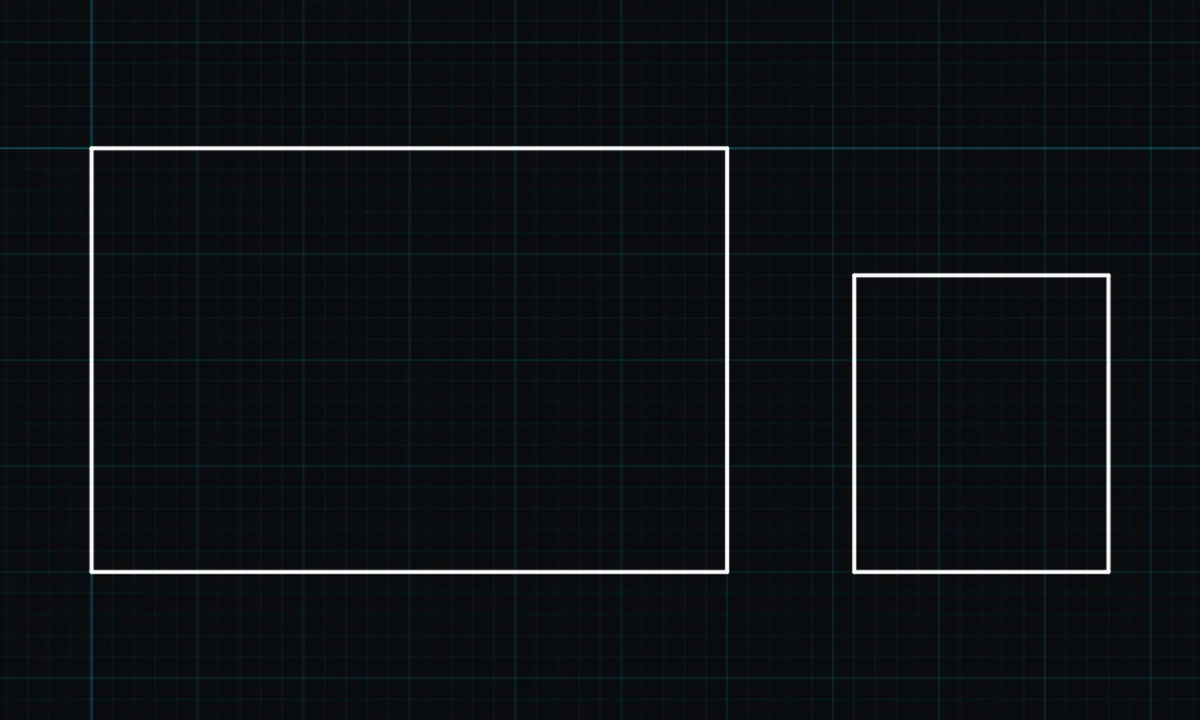
The grid is the pattern of squares behind your drawing. It helps you judge sizes at a glance and gives grid snap something to lock onto. Show it, hide it, or change its spacing.
Opens BenCAD with grid ready. No download, no sign-up.
How to use grid in BenCAD
- Show or hide itTap GRID in the side menu under Display, or press F7 on a computer, as in AutoCAD.
- Change its sizeIn the Snap section of the side menu, drag the Grid size slider or type a number.
- Set what a square meansUnder Scale, set how many millimetres one grid square stands for.
Tips
- Hiding the grid only changes the screen. Grid snap still works, and the grid never prints.
- BenCAD remembers whether you had the grid on or off.
Questions
Does the grid print?
No. The grid is only shown on screen, never in PNG downloads, DXF files or PDFs.
Related tools
SnapGrid, end points, tangents, orthoUnits & scaleMillimetres per grid, metric or imperialLineStraight lines with snapping
More tools: all 2D CAD tools in BenCAD.