2D CAD tool · PRO
How to sketch freehand in 2D CAD
Freehand draws exactly where your finger, pen or mouse goes. Use it to mark up a drawing, circle a problem or sketch an idea before drawing it properly.
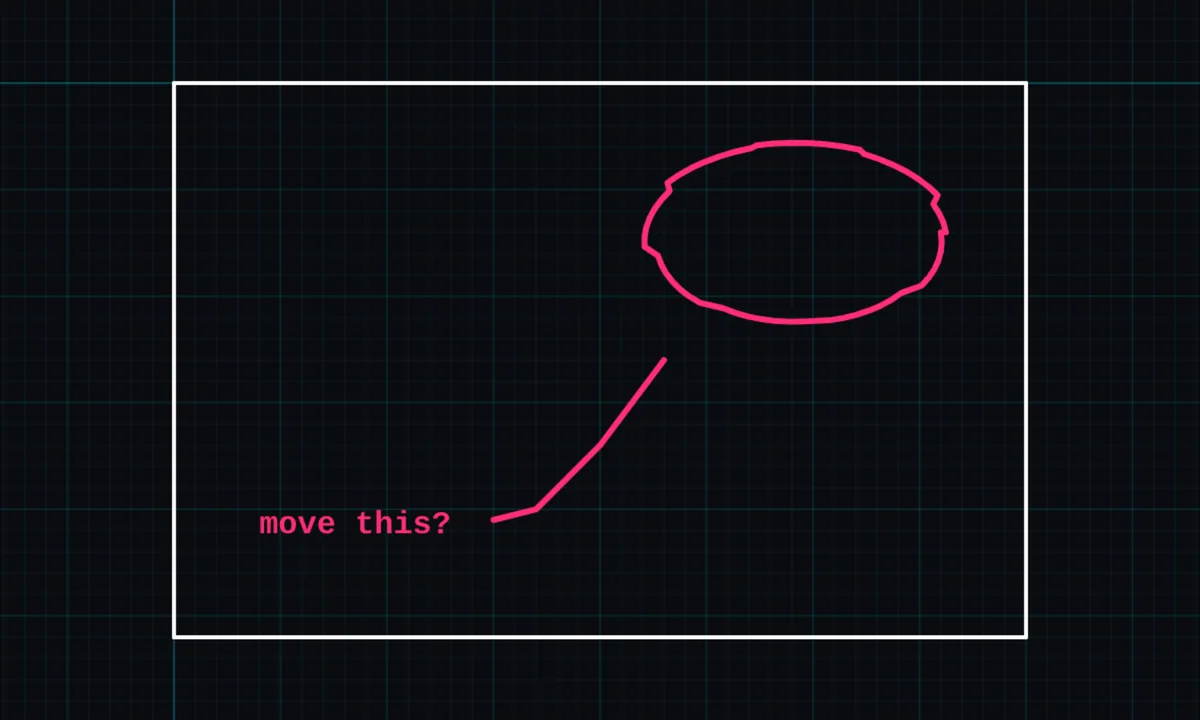
Freehand is a PRO tool. Drawing, trim, extend, join and dimensions are free.
How to use freehand in BenCAD
- Pick FREETap FREE in the toolbar, in the Annotate group.
- Drag to drawDrag freely. The stroke follows you exactly.
- Let goReleasing finishes the stroke. Start another straight away.
Tips
- Freehand strokes do not snap. For smooth, editable curves, use the curve tool.
- "Freehand (no snap)" in the snap settings is different: it turns snapping off for all tools.
Questions
Is freehand free?
Freehand sketching is part of BenCAD Pro.
Related tools
Curve (spline)Smooth curves through pointsLineStraight lines with snappingTextNotes, sizes and colours
More tools: all 2D CAD tools in BenCAD.