2D CAD tool · free
How to draw a curve (spline) in 2D CAD
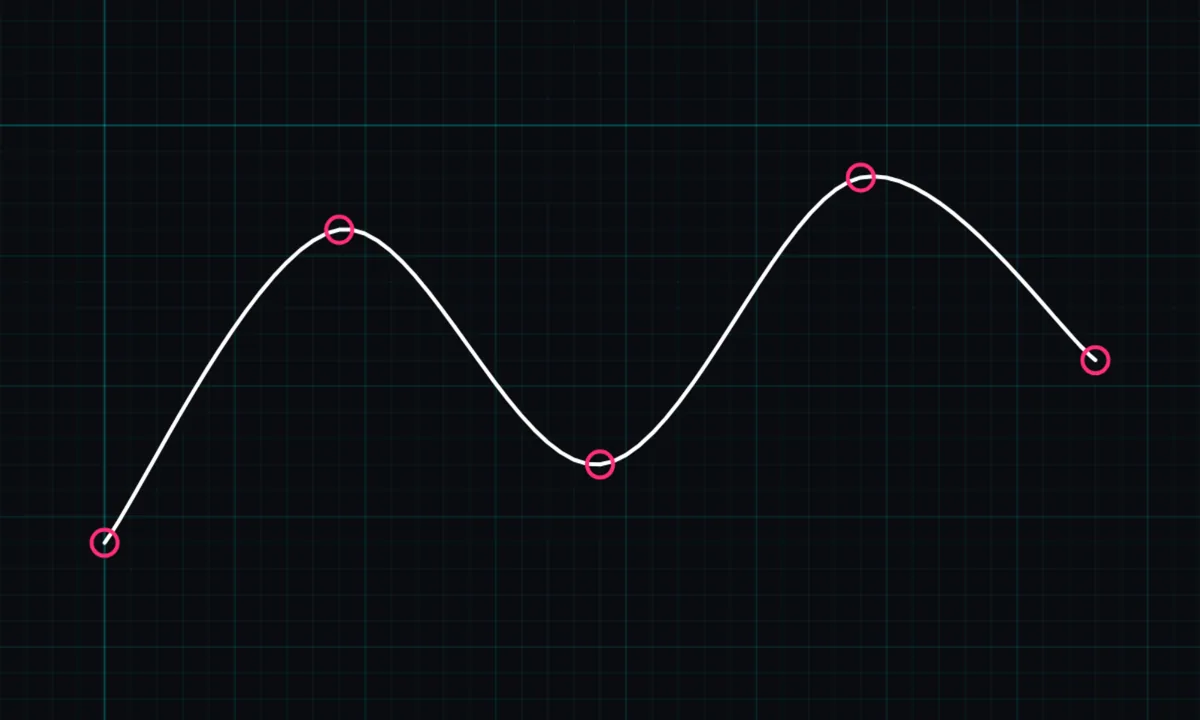
The curve tool draws a smooth spline through the points you tap. Use it for garden borders, paths, organic shapes and anything that is not a straight line or a true arc.
Opens BenCAD with curve (spline) ready. No download, no sign-up.
How to use curve (spline) in BenCAD
- Pick CURVETap CURVE in the toolbar, in the Shapes group.
- Tap points along the curveTap each point the curve should pass through. It smooths itself as you add points.
- FinishTap the last point again, or tap ✓, to finish the curve.
Tips
- More points give you more control; fewer points give a smoother curve.
- Curves can be dimensioned with an arc length dimension.
- For a true circular curve, use the arc tool instead.
Questions
Can I trim a curve?
Dragging the trim tool across a curve removes the whole curve. Lines, arcs, circles and ellipses are cut back to the crossing.
Related tools
More tools: all 2D CAD tools in BenCAD.